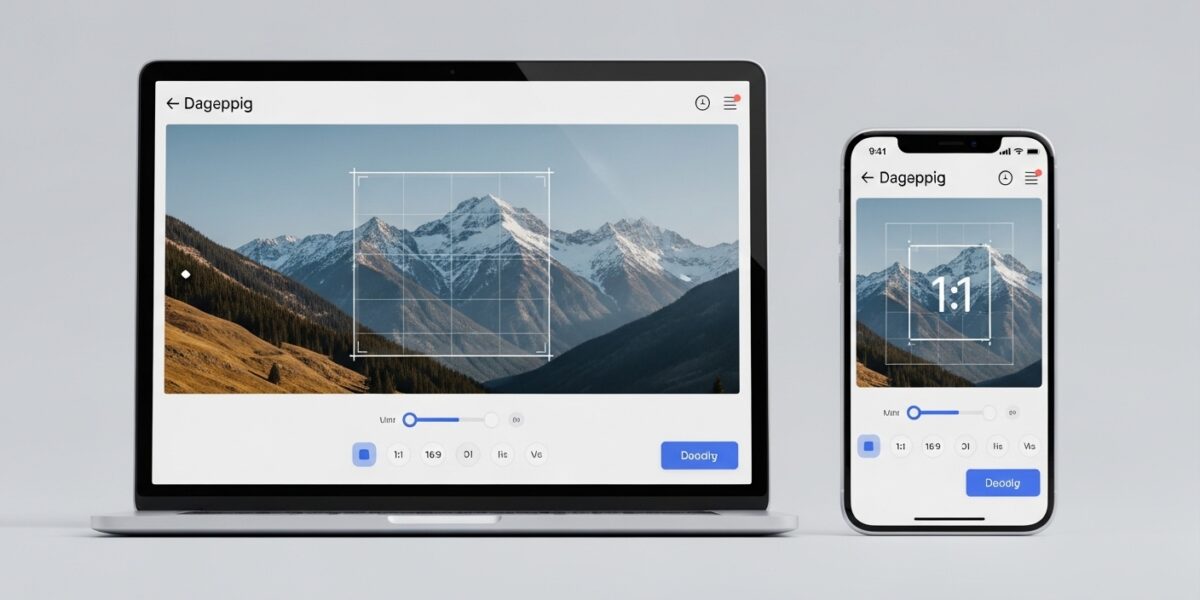
✂️ Image Cropper
Crop your images with precise aspect ratios and custom dimensions
Drop your image here or click to browse
Supports JPG, PNG, GIF, WebP, and other common formats
📋 How to Use:
- Upload an image using the button above or drag & drop
- Select an aspect ratio or choose “Custom” for free cropping
- Click and drag on the image to create a crop selection
- Adjust the selection by dragging the corners or edges
- Click “Crop Image” to apply the crop
- Download your cropped image
🖼️ Crop Area
⚙️ Crop Settings
Selection Info
No selection
Position: 0, 0
Aspect: Free
Original Image
Cropped Image
Our Image Cropper is a powerful and easy-to-use online tool that allows you to crop images with precision while maintaining full control over dimensions and aspect ratios. Whether you’re preparing images for social media, websites, or design projects, this tool makes cropping simple and accurate.
Upload your image, select a preset aspect ratio like 1:1, 16:9, 9:16, or use custom cropping to freely adjust the selection. Drag, resize, and fine-tune your crop area to get the perfect result instantly.
🔥 Key Features:
- ✂️ Precise image cropping with drag-and-drop selection
- 📐 Multiple aspect ratios (1:1, 4:3, 16:9, etc.)
- 🎯 Custom crop dimensions (free cropping)
- 📱 Real-time preview and adjustments
- 🔒 Secure and fast processing
- 💾 Download cropped image instantly
📌 Supported Formats:
- JPG / JPEG
- PNG
- GIF
- WebP
Perfect for social media posts, profile pictures, banners, thumbnails, and professional image editing.