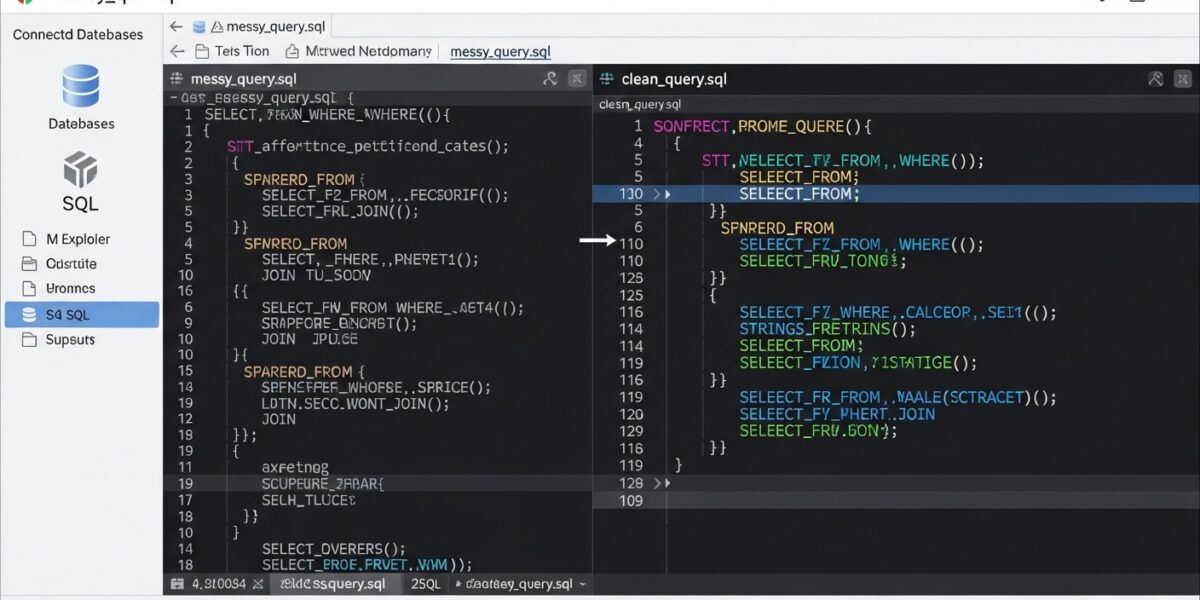
SQL Formatter
About this tool: Format and beautify your SQL queries to make them more readable and maintain consistent style.
How to use:
- Paste your SQL query in the input field
- Click “Format SQL” to beautify your query
- Use “Copy to Clipboard” to copy the formatted SQL
- Choose uppercase/lowercase keywords as preferred
Formatted SQL will appear here…
The SQL Formatter is a powerful tool that helps you format and beautify SQL queries to improve readability and maintain clean, consistent code style. It automatically structures your SQL with proper indentation and spacing.
Perfect for developers, database administrators, and anyone working with SQL queries.
🔥 Key Features:
- 🧾 Format and beautify SQL queries
- 🔠 Convert keywords to uppercase or lowercase
- 📐 Proper indentation and structure
- 🔄 Indent subqueries for readability
- 📋 One-click copy to clipboard
- ⚡ Fast and easy to use
- 🖥️ Works on all devices
📌 How to Use:
- Paste your SQL query into the input box
- Choose formatting options (uppercase, indentation)
- Click “Format SQL”
- Copy the formatted query
- Use clean and readable SQL code
💡 Use Cases:
- 💻 Database development
- 🧑💻 Code debugging and review
- 📊 Query optimization
- 📚 Learning SQL structure
- 🛠️ Improving code readability