Text to PDF Generator
Create professional PDF documents from plain text
About This Tool
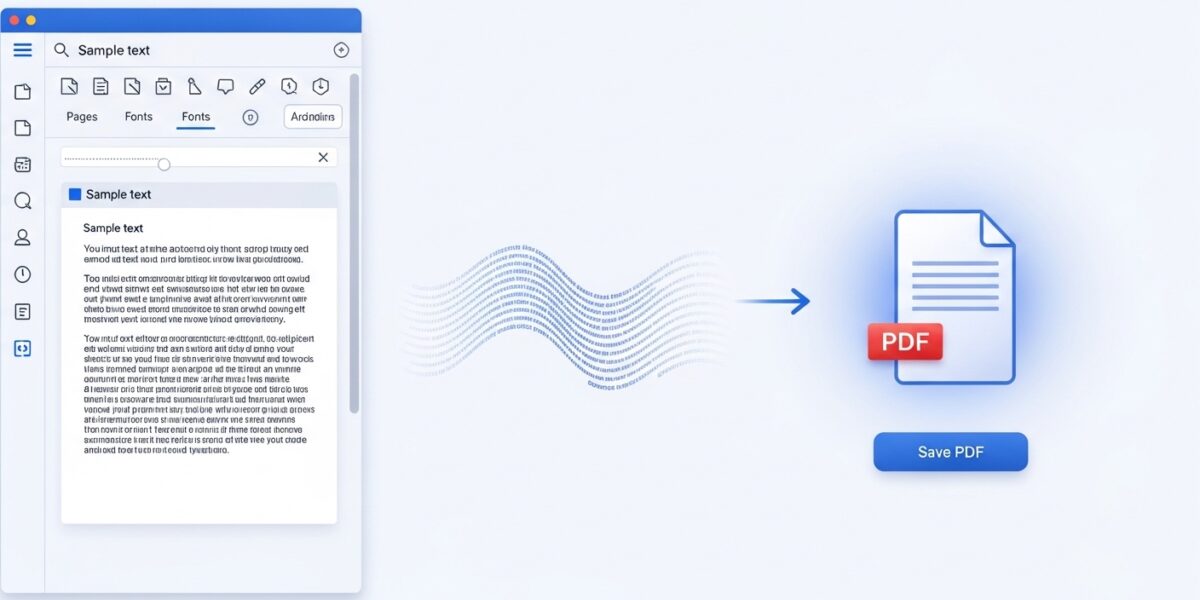
The Text to PDF Generator allows you to quickly convert plain text into professionally formatted PDF documents. This tool is perfect for creating simple reports, letters, documentation, or any text-based document that needs to be shared in PDF format.
Simply enter your text, customize the formatting options, and generate a clean, professional PDF document in seconds.
Enter Your Text
Upload a text file (.txt) to convert to PDF:
How to Use
Use Cases
- Reports and Documentation: Quickly convert plain text reports to professional PDF documents
- Essays and Assignments: Format and submit academic work in PDF format
- Business Letters: Create formal correspondence with proper formatting
- Code Snippets: Convert code or technical text to shareable PDFs
- Archiving Text: Save important text messages or notes in a universal format
The Text to PDF Generator is a powerful and easy-to-use tool that converts plain text into professional PDF documents in just a few clicks. It allows you to customize formatting such as font, size, color, and page layout, making it perfect for creating clean and shareable documents.
Whether you’re writing reports, assignments, or business letters, this tool ensures your content looks polished and professional.
🔥 Key Features:
- 📄 Convert plain text to PDF instantly
- 🎨 Customize font, size, and color
- 📐 Choose page size (A4, Letter, etc.)
- 🏷️ Add document title
- 🔢 Include page numbers
- ⚡ Fast and easy PDF generation
- 📱 Works on all devices
📌 How to Use:
- Enter or upload your text
- Customize formatting options
- Click Preview to check layout
- Click Generate PDF
- Download your PDF file
💡 Use Cases:
- 📝 Reports and documentation
- 🎓 Assignments and essays
- 💼 Business letters
- 💻 Code documentation
- 📦 Archiving important text