Touch Screen Test Tool
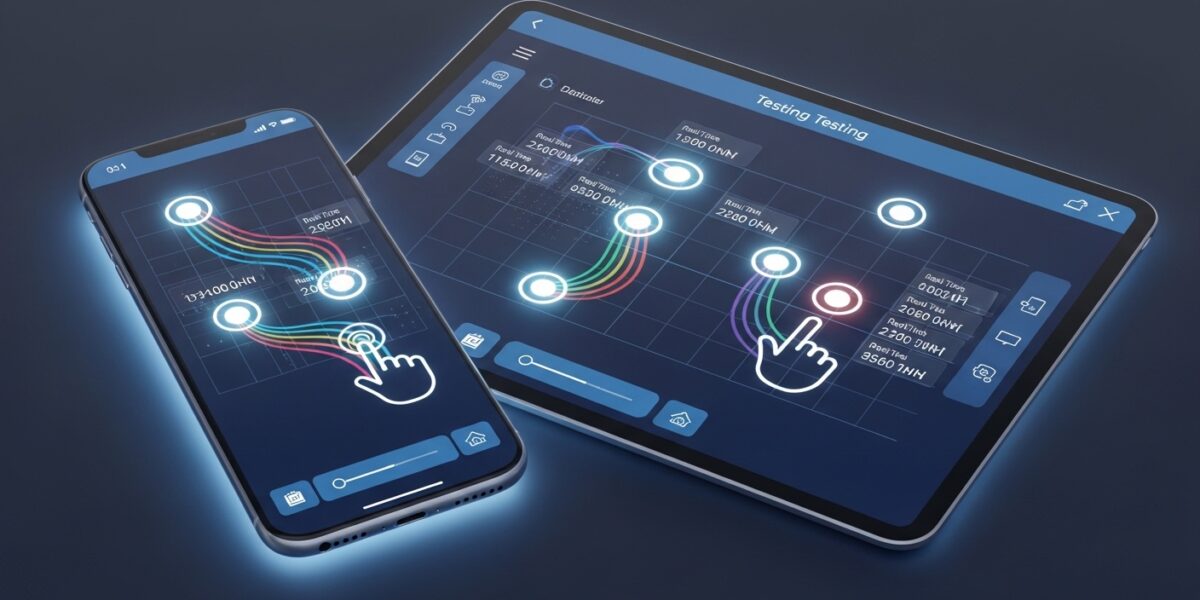
This tool helps you test your device’s touch screen capabilities, including multi-touch support, touch accuracy, and responsiveness. It’s useful for checking if your touchscreen is working properly and for diagnosing potential issues.
How to use: Touch or click in the test area below. The tool will track and display your touch points and movements. You can test multi-touch by using multiple fingers if your device supports it.
Our Touch Screen Test Tool helps you test your device’s touchscreen functionality, including touch accuracy, responsiveness, multi-touch support, and pressure sensitivity. It’s ideal for diagnosing issues with smartphones, tablets, and touchscreen laptops.
This tool is useful for users, developers, and technicians who want to ensure that their device’s touch functionality is working properly.
🔥 Key Features:
- 👆 Test touch screen responsiveness
- 🤲 Check multi-touch support
- 📍 Track touch points and movement
- 🎯 Measure touch accuracy
- 🧠 Detect pressure sensitivity
- 📊 View touch event logs
- 🧹 Clear test area instantly
📌 How to Use:
- Touch or click on the test area
- Use multiple fingers to test multi-touch
- Observe touch points and movement
- Check event logs and accuracy
💡 Pro Tip:
Use this tool to check for hardware issues, screen calibration problems, or faulty touch sensors on your device.