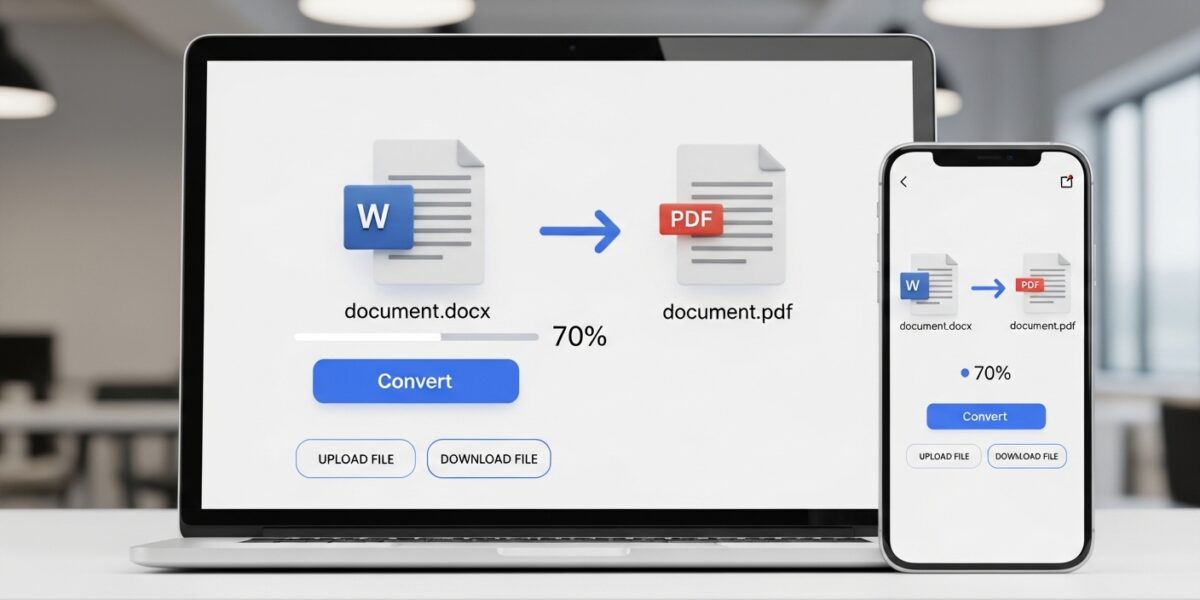
Word to PDF Converter
Convert your Word documents to professional PDF files with ease
About This Tool
Our Word to PDF converter transforms Microsoft Word documents (.docx, .doc) into high-quality PDF files that maintain the original formatting and layout. This tool is perfect for creating professional documents, ensuring compatibility across different platforms, or archiving your important files.
Convert your Word documents to the universally accessible PDF format while preserving all formatting elements, including fonts, images, tables, and hyperlinks.
Upload Your Word File
Drag & drop your Word document here or click to browse
How to Use
Features
Exact Formatting
Preserves the exact layout, fonts, and formatting of your Word documents
Multiple Formats
Supports .doc, .docx, and other Word formats
Fast Conversion
Quick processing for files of all sizes
Secure Processing
Your documents are processed securely and privately
Our Word to PDF Converter allows you to easily convert Microsoft Word documents (.doc, .docx) into high-quality PDF files while preserving the original formatting, layout, fonts, images, and structure.
This tool is perfect for professionals, students, and businesses who need to create secure, shareable, and universally compatible documents.
🔥 Key Features:
- 📄 Convert Word (.doc, .docx) to PDF instantly
- 🎯 Preserves exact formatting and layout
- 🖼️ Supports images, tables, and hyperlinks
- ⚡ Fast and efficient conversion
- 🔒 Secure and private processing
- 📱 Works on all devices and browsers
📌 How to Use:
- Upload your Word document
- Click “Convert to PDF”
- Wait for processing
- Download your PDF file
💡 Why Use This Tool:
- Ensure professional document sharing
- Maintain consistent formatting across devices
- Create print-ready and secure PDFs
- Perfect for resumes, reports, and official documents