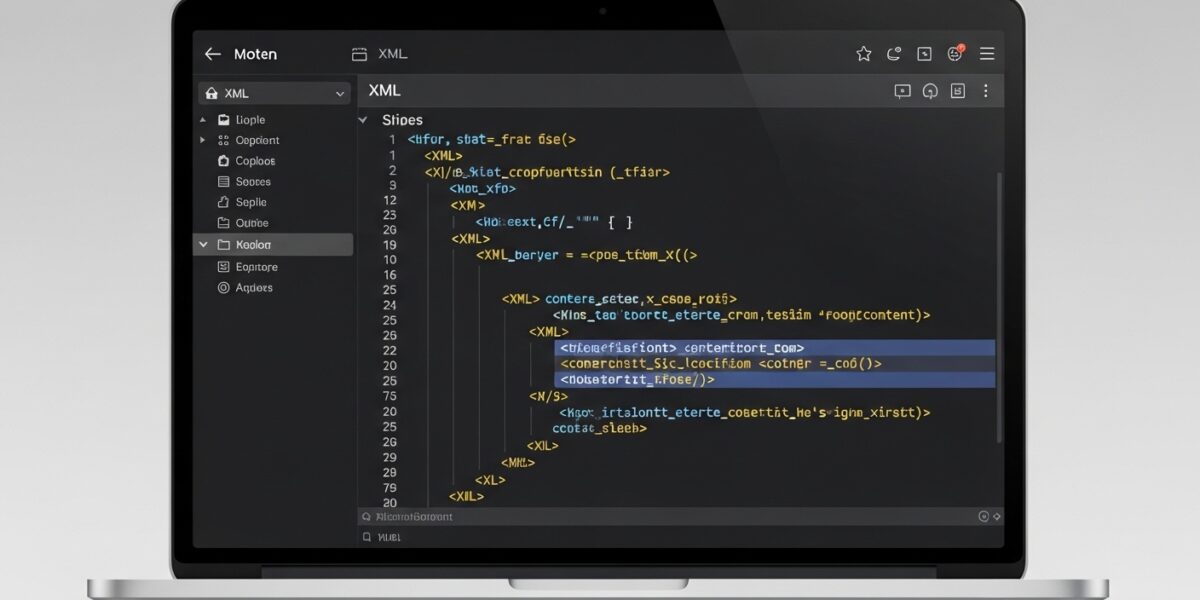
XML Formatter
This XML Formatter tool helps you beautify and format XML data with proper indentation and structure. It makes XML code more readable and easier to understand by organizing elements hierarchically.
How to use: Paste your XML code below, select formatting options, and click “Format XML” to beautify or “Minify” to compress. Errors will be shown if XML is invalid.
Our XML Formatter tool helps you clean, format, and organize your XML code with proper indentation and structure. It makes your XML files more readable, easier to debug, and well-structured for development.
You can also minify XML to reduce file size by removing unnecessary spaces and comments, making it perfect for production environments.
๐ฅ Key Features:
- ๐งน Beautify and format XML with proper indentation
- โก Minify XML to reduce file size
- ๐ Detect XML errors and validate code
- ๐ฏ Customize indent size (2, 4, 8 spaces or tab)
- ๐ Choose newline format (LF / CRLF)
- ๐ Copy formatted XML with one click
- ๐ป Clean and developer-friendly interface
๐ How to Use:
- Paste your XML code
- Choose formatting options
- Click โFormat XMLโ or โMinify XMLโ
- Copy your optimized XML
๐ก Pro Tip:
Always format XML before debugging โ it helps you quickly identify errors and structure issues in your code.