YouTube Tag Extractor
Extract tags from any YouTube video to understand what keywords creators are using. This tool helps you analyze and research tags for your own YouTube videos.
Note: This tool works as a demonstration. Due to YouTube’s API changes, it may not extract all tags from every video.
Tags Found:
How to use:
- Paste a valid YouTube video URL in the input field
- Click on the “Extract Tags” button
- View the tags used in the video
- Click “Copy All Tags” to copy the tags as individual words
- Click “Copy With Comma” to copy the tags as comma-separated values
Pro Tip: Use these tags as inspiration for your own videos, but always create tags relevant to your specific content.
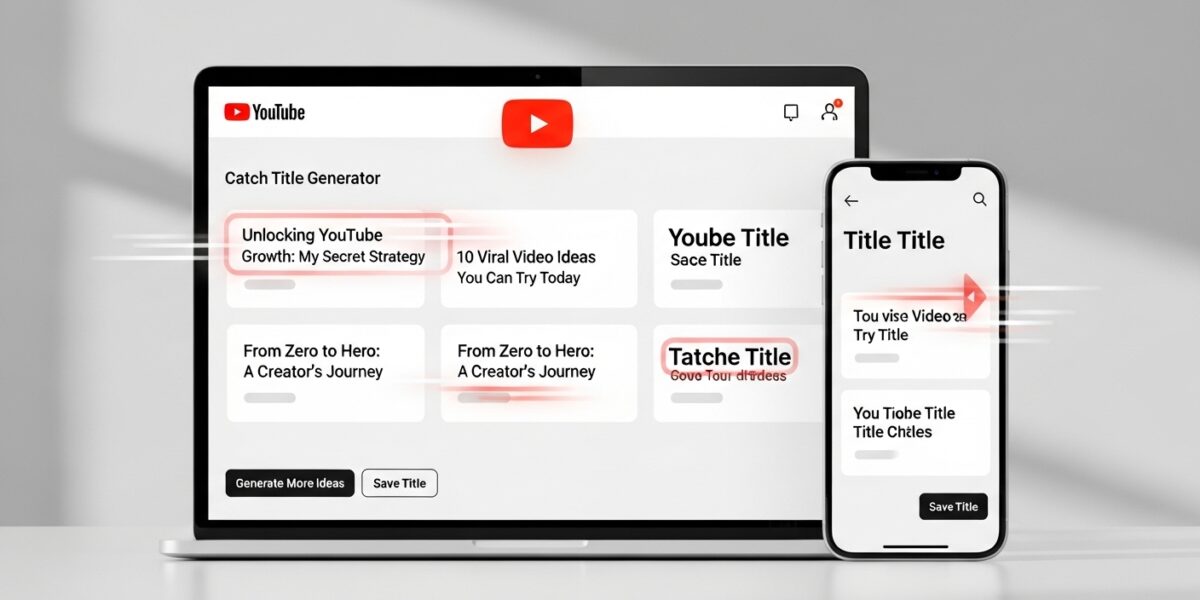
Our YouTube Title Generator is a powerful tool designed to help content creators generate engaging, high-converting, and SEO-optimized video titles that attract more views and improve channel performance.
Simply describe your video topic, select a title style, and optionally add keywords — the tool will generate creative and attention-grabbing title ideas tailored to your content.
🔥 Key Features:
- ⚡ Generate multiple title ideas instantly
- 🎯 SEO-optimized and click-worthy titles
- 🧠 AI-inspired title suggestions
- 🔑 Add custom keywords for better targeting
- 🎬 Supports different styles (Tutorial, List, Trending, etc.)
- 📈 Helps increase CTR (Click-Through Rate)
📌 Title Tips:
- Keep titles short (60–70 characters)
- Use strong keywords at the beginning
- Add numbers (Top 5, 10 Ways, etc.)
- Create curiosity and emotional impact
- Be clear and specific
Perfect for YouTubers, content creators, marketers, and bloggers who want more views and engagement.