PDF Merger
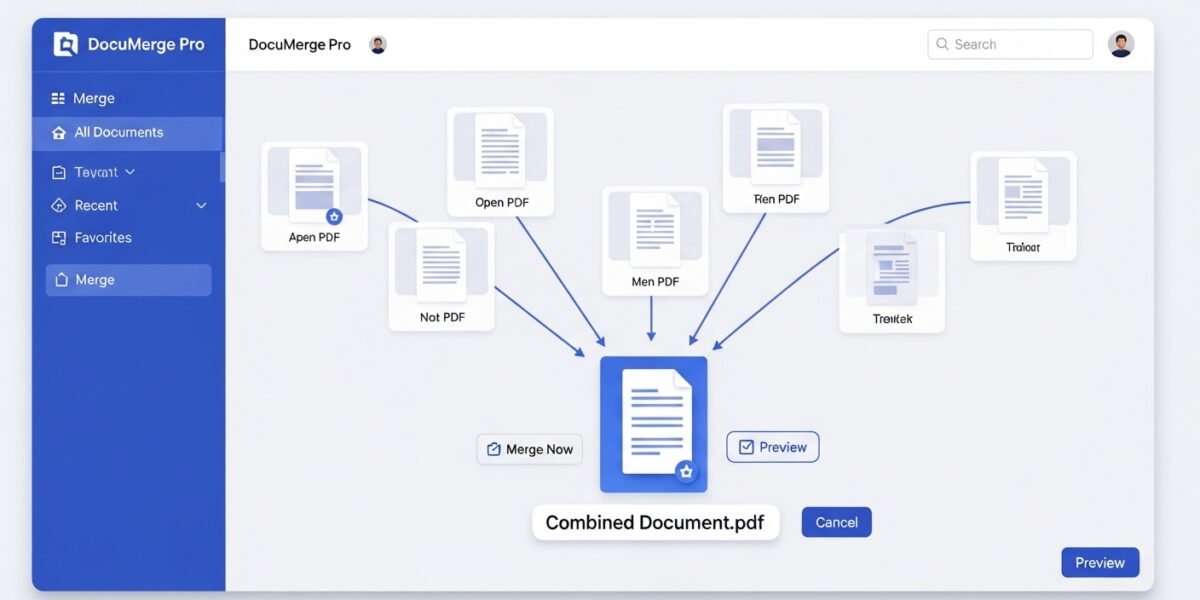
Combine multiple PDF files into a single document
About This Tool
Our PDF Merger allows you to combine multiple PDF files into a single comprehensive document. This is perfect for creating reports, compiling research, or organizing related documents into one easy-to-manage file.
The merger maintains all original content, including text, images, and formatting, ensuring your final document looks professional and cohesive.
Upload PDF Files
Drag & drop multiple PDF files here or click to browse
Selected Files
No files selected yet.
How to Use
Benefits of Merging PDFs
Organization
Keep related documents together in a single file for better organization and easier sharing.
Simplified Sharing
Share one file instead of multiple attachments, making communication more streamlined.
Professional Presentation
Create comprehensive reports or proposals with all information in one cohesive document.
The PDF Merger is a powerful and easy-to-use tool that allows you to combine multiple PDF files into a single document. It preserves the original formatting, images, and layout, ensuring a professional and seamless final file.
Perfect for organizing documents, creating reports, and simplifying file sharing.
🔥 Key Features:
- 📑 Merge multiple PDFs into one file
- 🔀 Arrange files in custom order
- 🎯 Preserve original formatting and quality
- ⚡ Fast and reliable processing
- 📦 Download a single merged document
- 🔒 Secure file handling (no storage)
- 📱 Works on all devices
📌 How to Use:
- Upload multiple PDF files
- Arrange files in your desired order
- Click “Merge PDF Files”
- Download your combined PDF
- Share or use your organized document
💡 Use Cases:
- 📊 Combine reports and documents
- 📚 Merge study materials
- 💼 Create professional proposals
- 🗂️ Organize multiple files into one
- 📤 Simplify file sharing