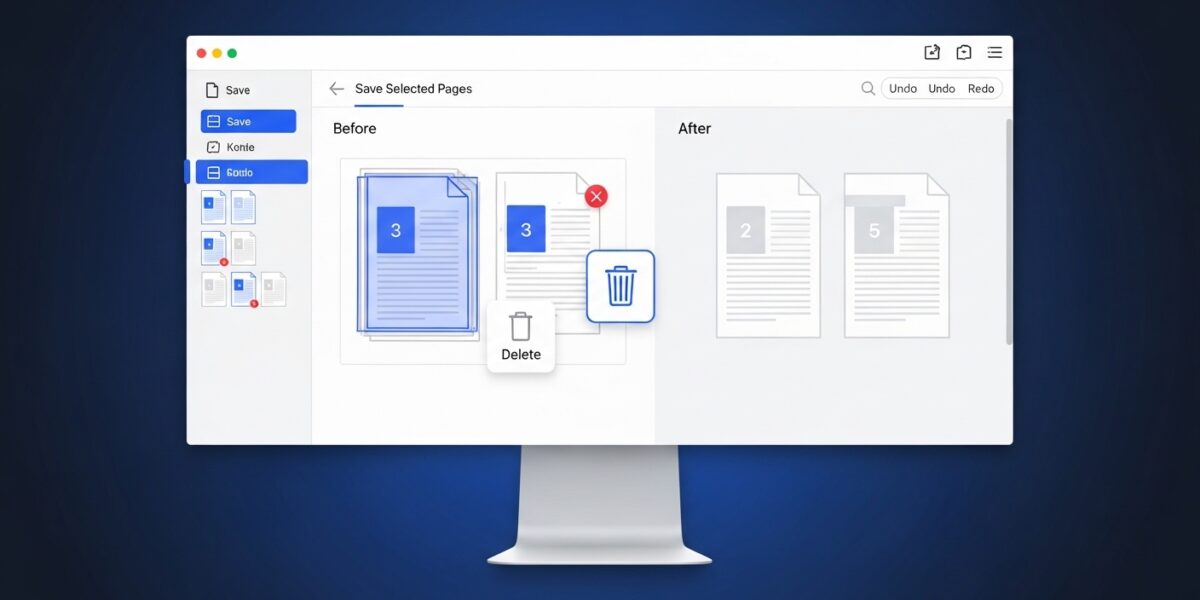
PDF Page Remover
Remove unwanted pages from your PDF documents
About This Tool
The PDF Page Remover allows you to selectively remove pages from PDF documents without the need for expensive software. This is perfect for removing blank pages, duplicates, outdated content, or any other pages you don’t need in your final document.
Simply upload your PDF, select the pages you want to remove, and download your new, streamlined document.
Upload Your PDF File
Drag & drop your PDF file here or click to browse
How to Use
Tips for Page Removal
- Removing Blank Pages: Look for completely white pages in the thumbnail view.
- Multiple Selection: Hold Ctrl (or Cmd) while clicking to select multiple individual pages.
- Sequential Selection: Use the range format (e.g., 5-9) to quickly select consecutive pages.
- Double Check: Always verify your selection before removing pages, as this action cannot be undone.
- Final Review: After processing, download and review your document to ensure it meets your expectations.
The PDF Page Remover is a simple and efficient tool that allows you to remove unwanted pages from PDF documents in just a few clicks. Whether you want to delete blank pages, duplicates, or unnecessary content, this tool helps you create a clean and optimized document.
It maintains the original formatting and quality while giving you full control over page selection.
🔥 Key Features:
- 🗑️ Remove specific pages from PDF
- 📄 Delete blank, duplicate, or unwanted pages
- 🎯 Maintain original formatting and layout
- 👁️ Select pages via numbers or preview thumbnails
- ⚡ Fast and easy processing
- 🔒 Secure file handling (no storage)
- 📱 Works on all devices
📌 How to Use:
- Upload your PDF file
- Select pages to remove (numbers or thumbnails)
- Click “Remove Selected Pages”
- Download your updated PDF
- Review your cleaned document
💡 Use Cases:
- 📄 Remove blank or extra pages
- 📚 Clean study materials or reports
- 💼 Edit business documents
- 🗂️ Organize and streamline PDFs
- 📤 Prepare files for sharing