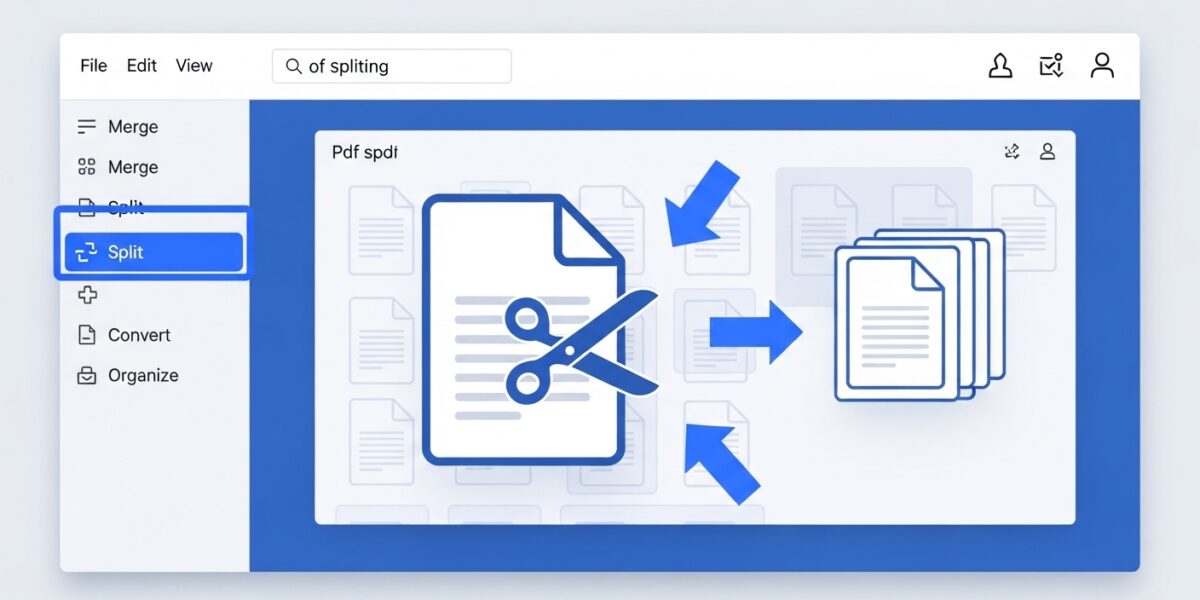
PDF Splitter
Extract pages from your PDF documents with precision
About This Tool
Our PDF Splitter allows you to divide large PDF documents into smaller files by extracting specific pages or ranges of pages. This is ideal for sharing only relevant sections of a document, reducing file sizes, or organizing content more effectively.
The tool maintains the original formatting and quality of your PDF while giving you precise control over which pages to extract.
Upload Your PDF File
Drag & drop your PDF file here or click to browse
How to Use
Features
Multiple Splitting Methods
Split by page range, specific pages, or at regular intervals
High Quality Output
Maintains original formatting, images, and text quality
Bulk Download
Download all split files as a single ZIP archive
Secure Processing
Your files are processed securely and deleted after completion
The PDF Splitter is a powerful tool that allows you to split large PDF files into smaller documents by extracting specific pages or page ranges. It ensures high-quality output while maintaining the original formatting, images, and layout.
Perfect for managing large documents, sharing selected pages, and organizing content efficiently.
🔥 Key Features:
- ✂️ Split PDF by page range, specific pages, or intervals
- 📄 Extract selected pages بسهولة
- 🎯 Maintain original quality and formatting
- 📦 Download split files individually or as ZIP
- ⚡ Fast and reliable processing
- 🔒 Secure file handling (auto-delete after processing)
- 📱 Works on all devices
📌 How to Use:
- Upload your PDF file
- Choose splitting method (range, pages, interval)
- Enter page numbers
- Click “Split PDF”
- Download your split files
💡 Use Cases:
- 📄 Extract specific pages from large documents
- 📤 Share only relevant sections
- 🗂️ Organize PDF files efficiently
- 📚 Manage study materials or reports
- 💼 Business document handling