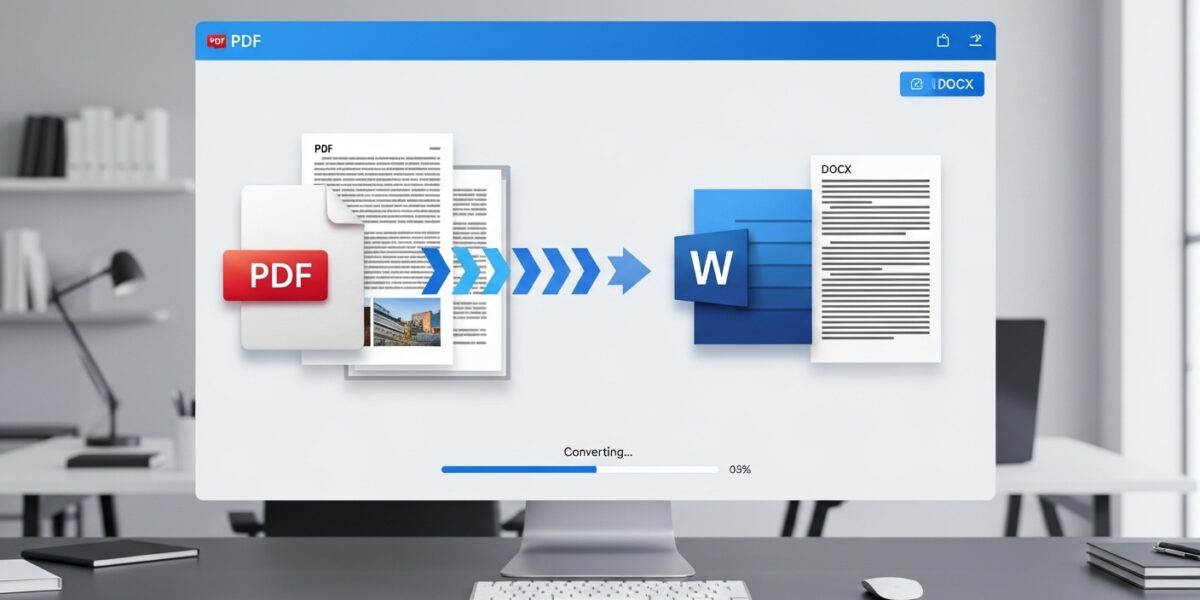
PDF to Word Converter
Convert your PDF documents to editable Word files quickly and accurately
About This Tool
Our PDF to Word converter transforms PDF documents into editable Microsoft Word files while preserving the original formatting, images, and text. This tool is perfect for when you need to edit content originally created in PDF format.
The converter maintains the layout, fonts, and formatting of your original document, ensuring that you can seamlessly continue working with your content in a familiar Word environment.
Upload Your PDF File
Drag & drop your PDF file here or click to browse
How to Use
Features
- High-quality conversion with preserved formatting
- Fast processing speed
- Supports multi-page PDF documents
- Maintains tables, images, and complex layouts
- 100% secure file handling
The PDF to Word Converter is a powerful tool that allows you to convert PDF files into fully editable Microsoft Word documents quickly and accurately. It preserves the original formatting, layout, images, and text, ensuring a seamless editing experience.
Perfect for students, professionals, and businesses who need to edit PDF content بسهولة.
🔥 Key Features:
- 📄 Convert PDF to editable Word (DOCX)
- 🎯 Preserve layout, fonts, and formatting
- 🖼️ Maintain images, tables, and structure
- ⚡ Fast and reliable conversion
- 🔒 Secure file processing (no data stored)
- 📱 Works on all devices
📌 How to Use:
- Click “Select File” or drag & drop your PDF
- Wait for the file to upload
- Click “Convert to Word”
- Download your converted document
- Edit your file easily in Word
💡 Use Cases:
- 🧑🎓 Edit study materials and assignments
- 💼 Modify business documents
- 📝 Update reports and contracts
- 📊 Extract data from PDFs
- 📚 Convert scanned or saved PDFs into editable text