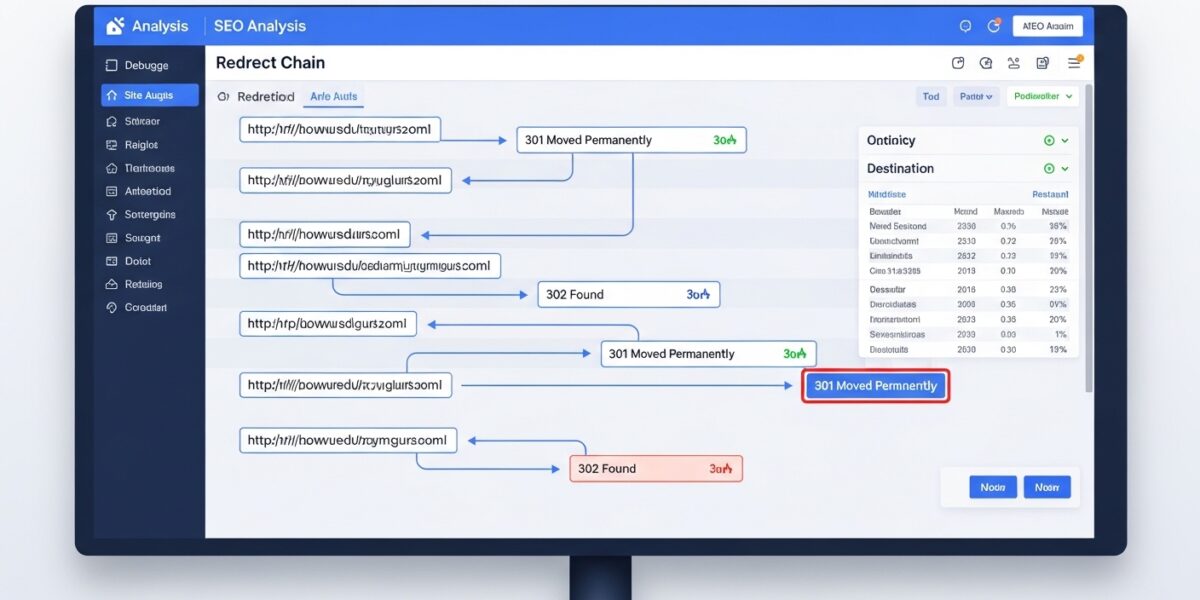
Redirect Checker
This tool helps you analyze URL redirects and verify that your website redirects are working correctly. Check HTTP status codes, redirect chains, and final destination URLs to ensure optimal user experience and SEO performance.
How to use: Enter one URL per line and click “Check Redirects” to trace the full redirect path. The tool will show you each step in the redirect chain along with relevant HTTP status codes.
Note: This is a demonstration tool that simulates redirect analysis. For comprehensive redirect checking, consider using dedicated SEO tools like Screaming Frog or server-side scripts.
Analyzing redirects… This may take a moment.
Redirect Analysis Results
The Redirect Checker is a powerful SEO and debugging tool that helps you analyze URL redirects, track redirect chains, and verify HTTP status codes. It ensures your redirects are working correctly for both users and search engines.
This tool is essential for developers, SEO experts, and website owners who want to maintain a smooth user experience and optimize search rankings.
🔥 Key Features:
- 🔗 Check URL redirect chains step-by-step
- 📊 View HTTP status codes (301, 302, 404, etc.)
- 🎯 Identify final destination URLs
- 🧠 Detect redirect issues and loops
- 📋 Support multiple URLs (one per line)
- ⚡ Fast and easy analysis
- 🖥️ Works on all devices
📌 How to Use:
- Enter one or more URLs (one per line)
- Include http:// or https:// for accuracy
- Click “Check Redirects”
- View redirect chain and status codes
- Fix issues if needed
💡 Use Cases:
- 🔍 SEO redirect analysis
- 🧑💻 Debugging website redirects
- 📈 Improving user experience
- 🔗 Checking broken or incorrect redirects
- 🛠️ Website migration and URL updates