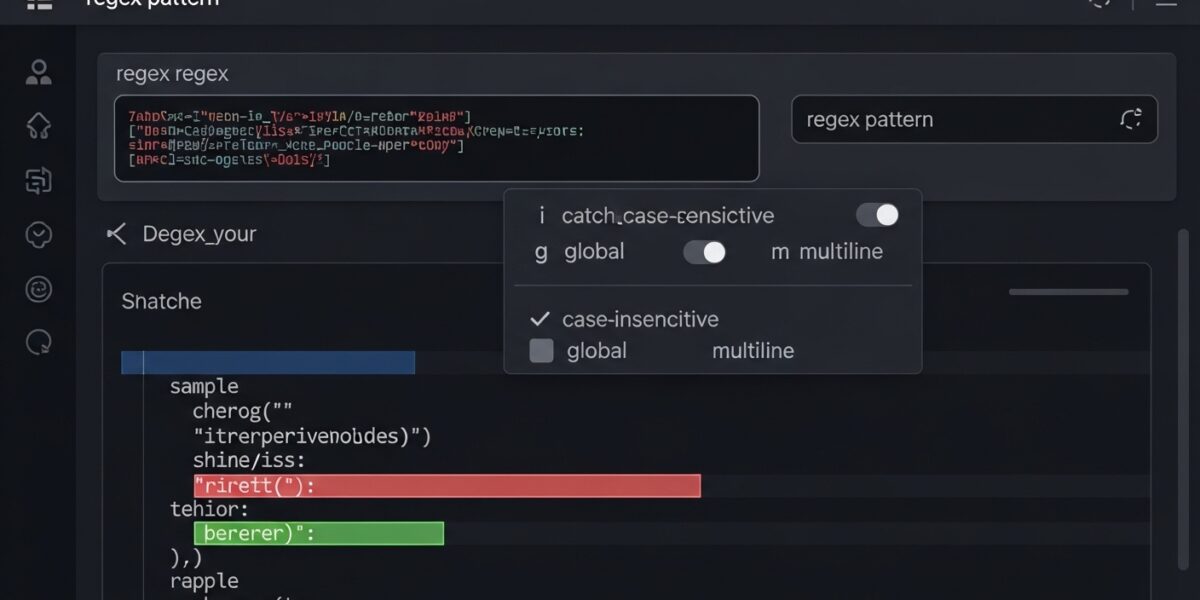
Regular Expression Tester
About this tool: Test regular expressions against input text and see matches in real-time. This tool highlights all matches and provides details about each match found.
How to use:
- Enter your regular expression pattern in the “Regex Pattern” field
- Enter the text you want to test against in the “Test String” field
- Select options like case sensitivity and global matching if needed
- Click “Test Regex” to see results
Results will appear here…
The Regular Expression Tester is a powerful tool that helps you test, validate, and debug regex patterns in real-time. It allows you to match patterns against text and instantly see highlighted results along with detailed match information.
Perfect for developers, testers, and anyone working with pattern matching or data validation.
🔥 Key Features:
- 🧪 Test regex patterns in real-time
- 🔍 Highlight all matches instantly
- ⚙️ Support for flags (i, g, m)
- 📊 Detailed match results and groups
- 📋 Easy copy and testing workflow
- ⚡ Fast and responsive interface
- 🖥️ Works on all devices
📌 How to Use:
- Enter your regex pattern
- Paste your test string/text
- Select flags (case-insensitive, global, multiline)
- Click “Test Regex”
- View highlighted matches and results
💡 Use Cases:
- 💻 Input validation (emails, URLs, etc.)
- 🧑💻 Debugging regex patterns
- 📊 Data extraction and parsing
- 🛠️ Software testing and QA
- 📚 Learning regular expressions