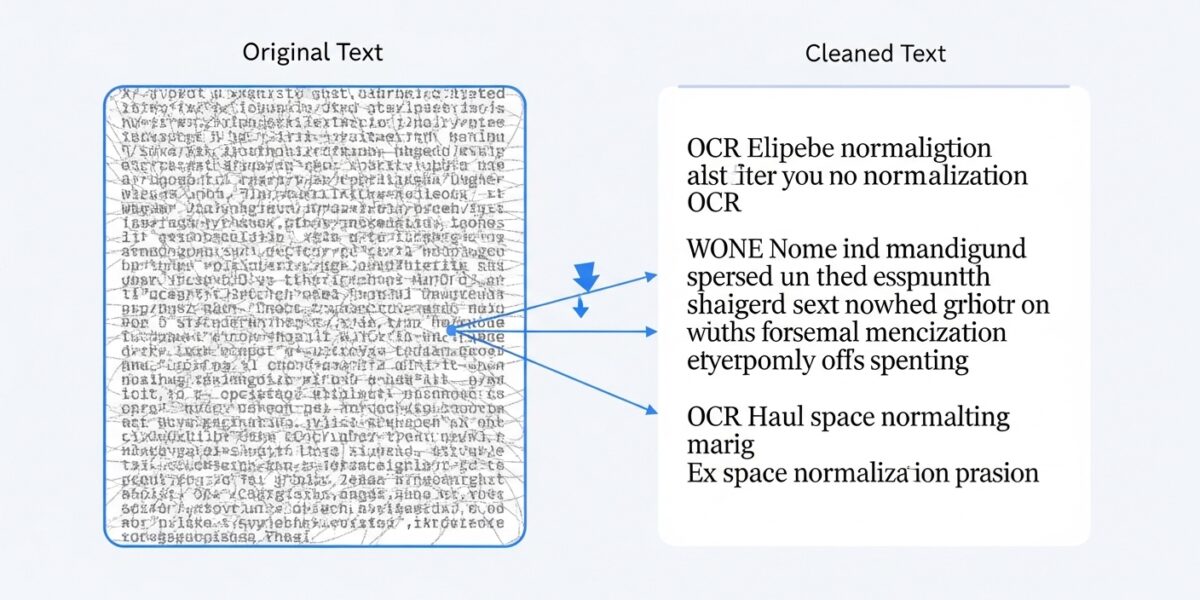
Remove Extra Spaces
This tool removes extra spaces from your text. It’s perfect for cleaning up text copied from various sources that may contain inconsistent spacing.
Choose from different options to control how spaces are handled.
Result:
The Remove Extra Spaces tool helps you quickly clean and normalize text by removing unwanted spaces and formatting inconsistencies. It’s perfect for fixing text copied from websites, documents, or PDFs that contain irregular spacing.
With multiple options, you can control how spaces, tabs, and line breaks are handled for clean and consistent text.
🔥 Key Features:
- ✂️ Convert multiple spaces into a single space
- 📏 Remove leading and trailing spaces
- 🔄 Convert tabs into spaces
- 📄 Normalize line breaks (remove empty lines)
- 📋 One-click copy result
- ⚡ Fast and efficient processing
- 🖥️ Works on all devices
📌 How to Use:
- Paste your text with extra spaces
- Select your preferred space handling options
- Click “Remove Extra Spaces”
- View the cleaned result
- Copy and use your formatted text
💡 Use Cases:
- 📄 Cleaning text from PDFs or documents
- 💻 Preparing data for coding or databases
- ✍️ Improving readability of content
- 📊 Data preprocessing and formatting
- 📝 Content editing and publishing